Basic Computer Course (BCC)

- 90h Duration
Basic Computer Course (BCC) – Master the Digital Fundamentals
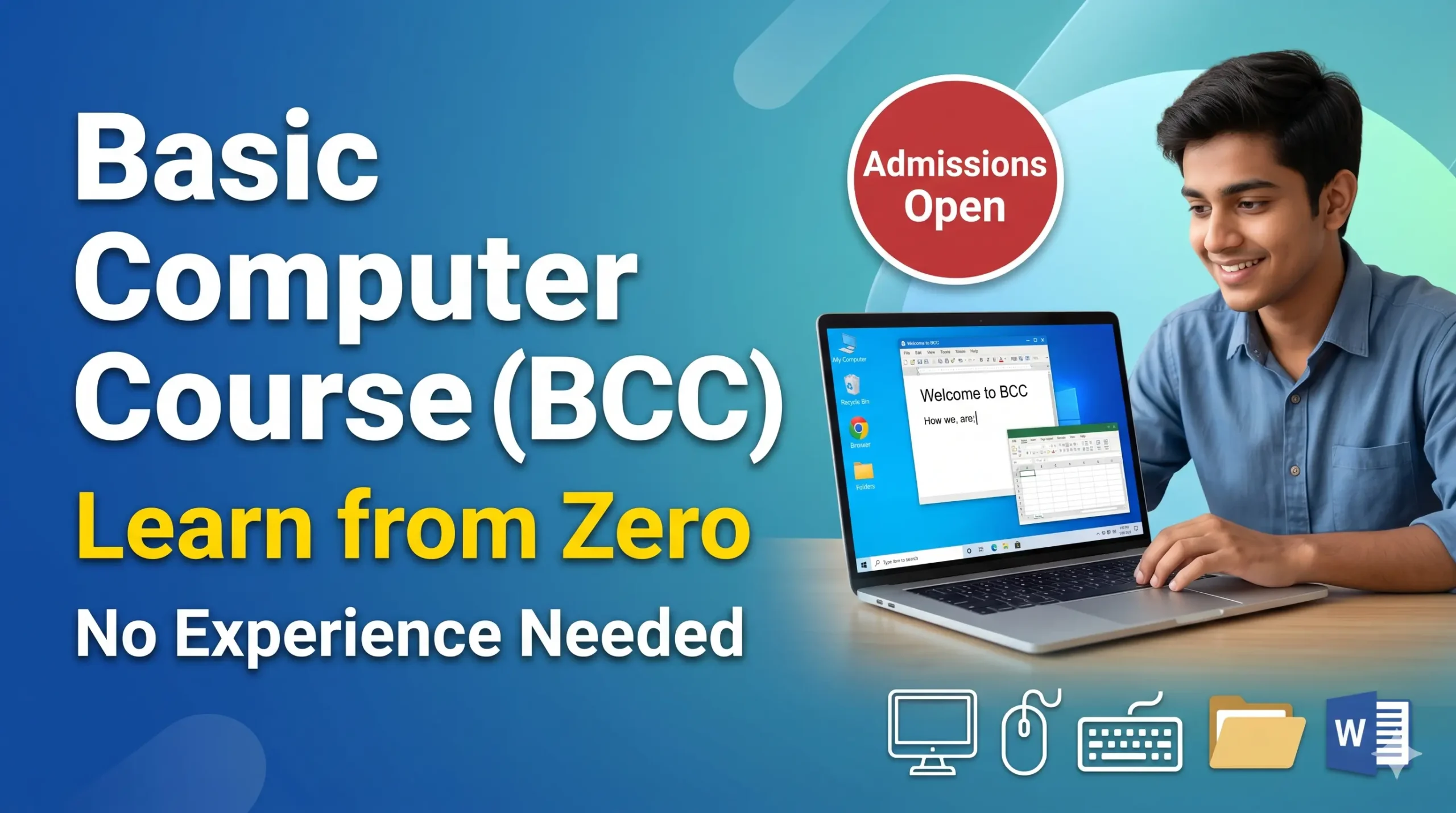
Welcome to the definitive starting point for your digital journey! Whether you are completely new to technology or looking to build a strong foundational skillset, this Basic Computer Course (BCC) is designed to take you from an absolute beginner to a confident computer user.
In this comprehensive module, we demystify technology. You will learn the core mechanics of modern computing, covering everything from identifying essential hardware components to understanding how software applications operate to make daily tasks easier.
🚀 What Will You Learn?
-
Computer Fundamentals: Understand the essential building blocks of computer hardware and software architecture.
-
Operating Systems: Confidently navigate and operate Windows 10/11, including efficient file, folder, and system management.
-
Office Productivity: Gain hands-on, practical experience in essential workplace tools—mastering Microsoft Word, Excel, and PowerPoint.
-
Internet & Communication: Learn effective web surfing, professional email management, and crucial online safety and cybersecurity practices.
-
Troubleshooting Basics: Equip yourself with the skills to handle basic system troubleshooting, manage peripheral devices, and print documents effortlessly.
🎯 Who is this course for?
-
Absolute beginners seeking to build essential digital literacy.
-
Students needing foundational technical skills for academic success.
-
Professionals and job-seekers preparing for administrative, data-entry, or modern office roles.
Want to submit a review? Login